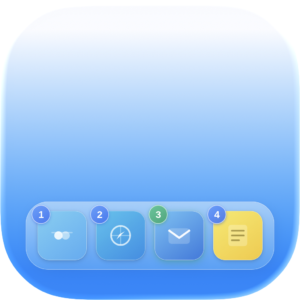
Quick Dock
Instant app switching from your keyboard. Your Dock. Faster.
Take control of your Dock with numeric shortcuts.
Switch apps, hide them, or trigger App Exposé — all from your keyboard. No mouse needed, no interruptions.
Fast app switching: Press a modifier key (Option by default) and hit a number to activate or hide an app instantly.
Exposé at a glance: Press another modifier (Control by default) to see all windows of any app.
Simple setup: Grant Accessibility access once — then Quick Dock is ready to work.
Built natively for Intel & Apple Silicon. Requires macOS 14.6 or later.
Fully compatible with the latest version of macOS Tahoe.
How it works
1️⃣ Fast app switching
Press the modifier key (default: Option)
Numeric labels 1–9 and 0 appear on Dock icons
activates the corresponding app
hides it if it’s already active
Pressing a number:
2️⃣ Show all windows of an app
Press another modifier key (default: Control)
- Numeric labels 1–9 and 0 appear on Dock icons
Pressing a number triggers App Exposé for the selected app (all windows of that app are displayed)
Instant switching between apps and windows — no mouse or trackpad required. Keyboard only.
Why use it?
Quickly switch between apps and view their windows directly from your keyboard — just like in Windows and Linux.
The idea was simple and practical, so I decided to bring it to macOS.
Take instant control of your workspace — no mouse or trackpad needed.
Permissions
At first launch, the app will request Accessibility access.
This is required to:
activate apps
manage their state
trigger App Exposé
Once granted, the utility is fully ready to use.
Quick Dock
Instant app switching, right from your keyboard.
Built natively for Intel & Apple Silicon. Requires macOS 14.6 or later.
Fully compatible with the latest version of macOS Tahoe.